1. Import Event Log
The first step is the event log import.
Note
To make things easy, two prepared sample event logs from an ECS can be selected and loaded.
- Small sample dataset -> for demonstration purposes
- Full sample dataset -> Provides more insights (though with longer runtimes)
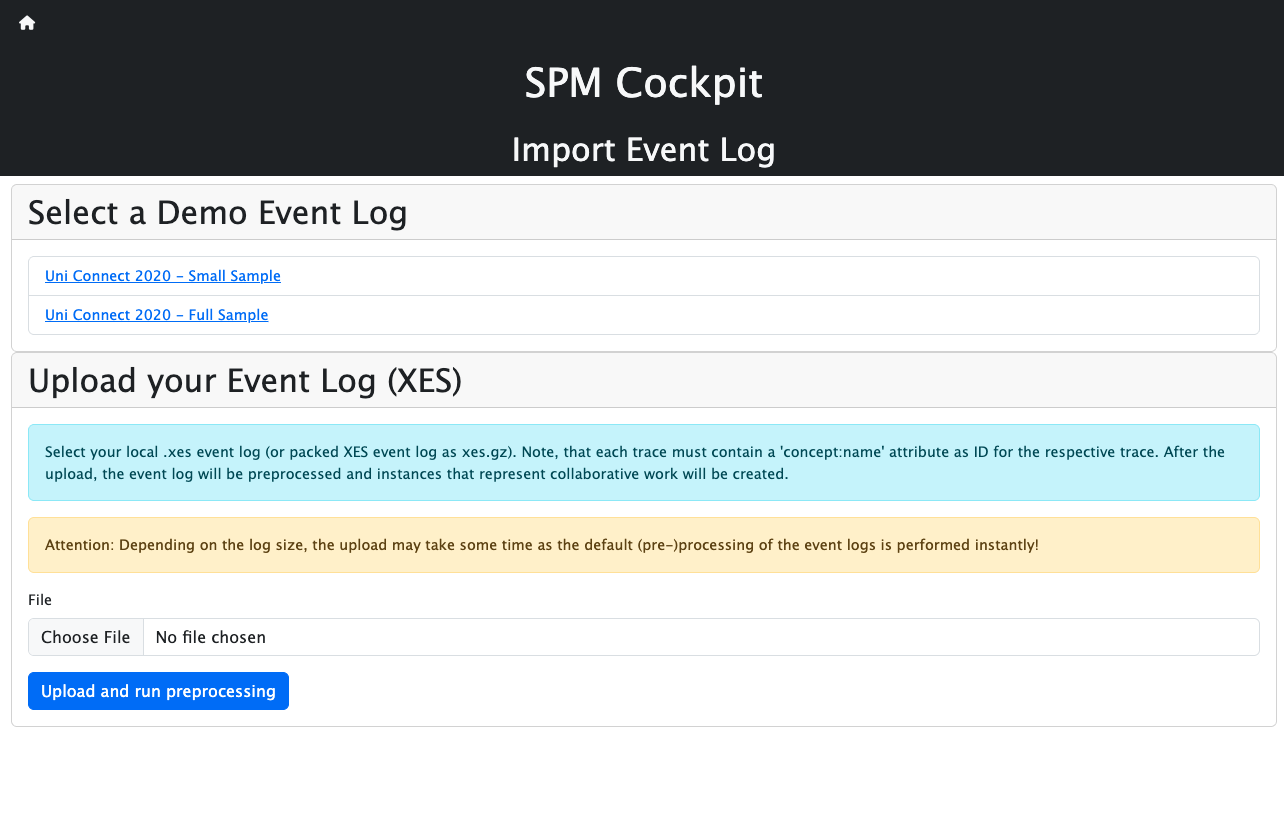
A local .xes event log file (or packed XES event log as .xes.gz) can be uploaded.
Note that each event must contain a case:concept:name attribute as ID for the respective trace, a concept:name
attribute for the activity, and a time:timestamp attribute for the timestamp.
After the upload, the event log will be preprocessed and sublogs and process models that
represent collaborative activity will be created.
Note that this process might take some time as the default preprocessing configuration is used to
process the event log.
This second step can be defined in the Process Discovery Configuration.
Afterwards, the preprocessing process restarts with the adjusted parameters.
The resulting process models can be viewed in the third step Process Models.
Once the event log is processed and cached in the backend, the next step is to configure and execute Pattern Detection.
Note
The Collaboration Pattern Detection Framework uses the pm4py library for importing event logs.